
aisling · generative Irish ambient for M-VAVE's FM-1 and SMK-37 Elite
by CÚ_STE · www.stephen8n.com
Aisling
Said ASH-ling: Irish for a dream or a vision.
Harps and a flute over a held drone, playing themselves, after the harpers and the west of Ireland.

The store · coming soon
Skins for the FM-1
Vinyl skins, printed and cut by hand, for any case colour and any firmware, with the gear that goes with it.
Posted to the UK, the US, France, Germany and Spain
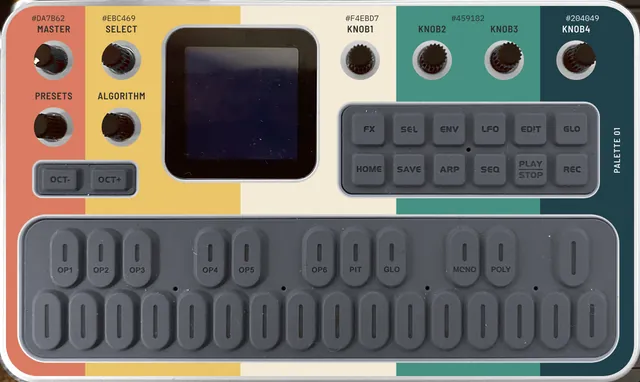
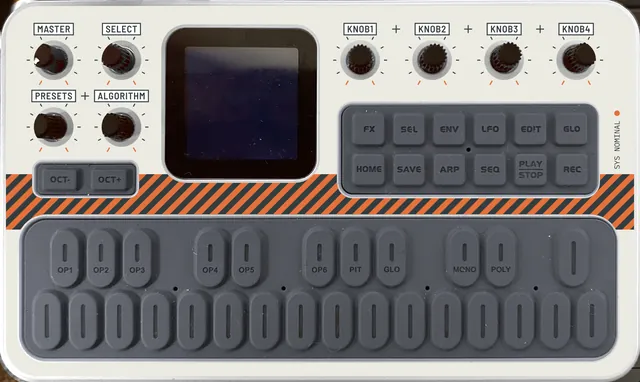
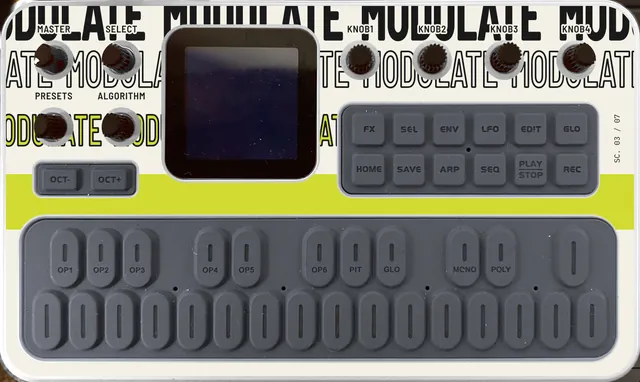
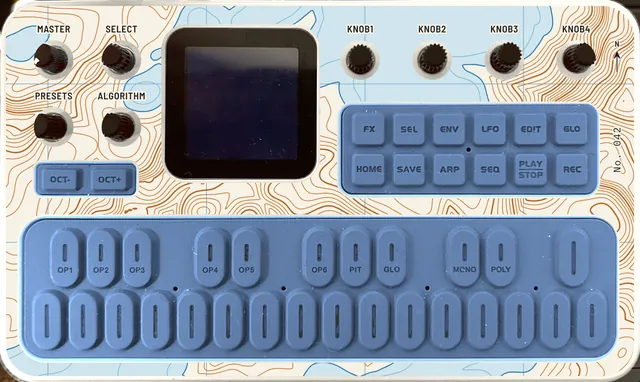
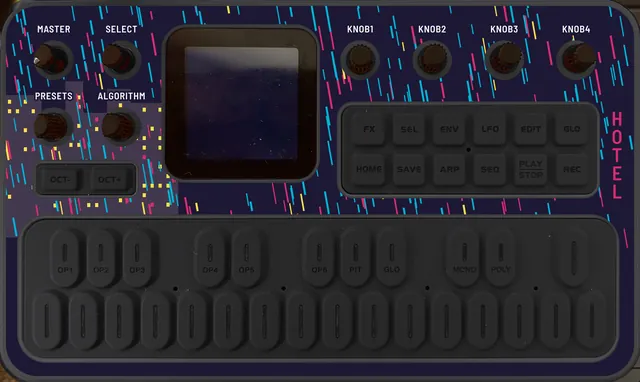
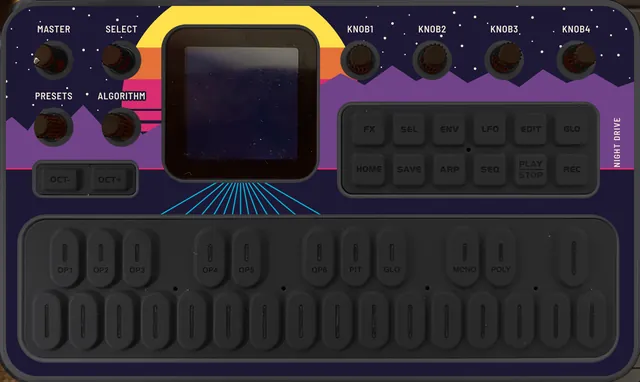
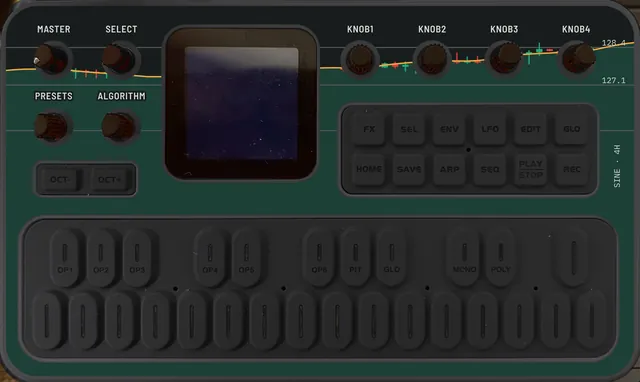
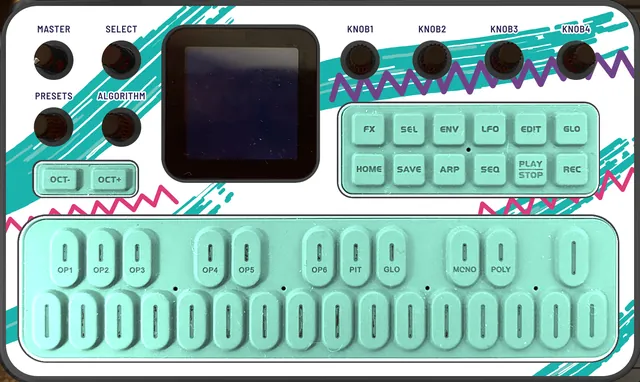
The test prints come first; checkout isn't open yet.
What's new · AISLING 1.6 · November 2026
Sounds of your own
A piece in a sound pack can now bring a sound the FM-1 never had: a Patch, for the drone, the harps or the flute. Shape one by ear with AISLING as a plugin in your DAW, and hear it on the FM-1 as you go.
- Patch voices. Sixteen numbers make a sound: two oscillators, FM, a sub, noise, the filter, the attack.
- AISLING as a plugin. The FM-1's own engine as a VST3, an Audio Unit and an app. Built from source for now; there is no download yet.
- A piece at a time. The Packs page adds or removes a pack's pieces one by one.
- A light screen. AISLING's own eight show on white on a new FM-1. An FM-1 with saved pieces keeps the screen it had.
- The update shows on the FM-1. While a later update is written, the screen says UPDATING, with how far it has got.
Install 1.6 Hear Saints & Sinners
Installing needs Chrome or Edge and a USB cable. Your saved pieces and your pack stay. With no pack, or a pack without patches, 1.6 sounds as 1.5 did.
Also new · VOXBOX test 22 · November 2026
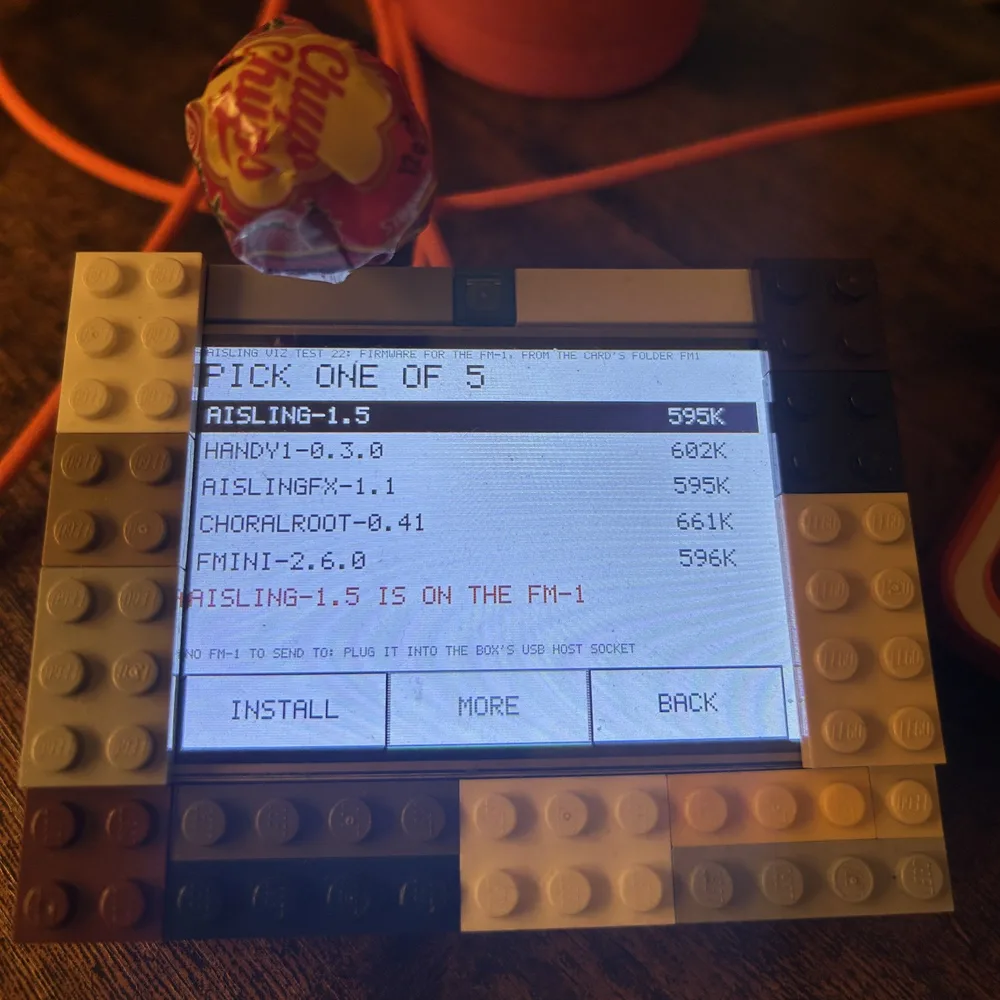
Firmware from a card
The VOXBOX, the touch screen kit beside the FM-1, now puts firmware on it from a microSD card. Touch a package, INSTALL, SURE?. No computer.
- A shelf of firmware. Copy
.fwscpackages into a folder on the card, up to 20. Change to another and back the same way. - Tried with five. AISLING 1.5, AISLING FX-1 1.1, Choralroot 0.41, Handy-1 0.3.0 and FMini-1 2.6.0. Others are untried.
- A landscape that answers. A touch drops paint, a drag leaves a swirl.
The FM-1 needs firmware with Felucca's updater on it already, as AISLING has; a stock FM-1 gets its first AISLING from a computer. Tried on one box with two FM-1s.
Also new · AISLING for VIBE FM 1.3 · November 2026
Play it from your DAW, or from Strudel
AISLING also runs with no FM-1, as a firmware for The Firmware Hub's VIBE FM: in its plugin and in its Playground. From 1.3 a sequencer can play its layers by MIDI channel while the piece plays on.
- Four channels. Channel 1 plays the flute, kept to the piece's scale. Channel 2 plays it with the exact notes. Channels 3 and 4 pluck the two harps.
- Program change chooses the piece. Programs 0 to 7, AISLING's own eight.
- Own notes. A new control takes the piece's own harps out, one or both, so only yours are heard.
- In Strudel. strdltn Live[code] plays it from Strudel in VS Code:
.s("vibefm1:aisling").midichan(3).
Tried in strdltn 0.4.1 and in the VIBE FM VST in Ableton Live. With nothing sent on the new channels, 1.3 sounds as 1.2 did.
Also new · November 2026
Aisling, as an app on your phone
The whole instrument, full screen, from your home screen. It plays with no connection, and it can wear any of the store's skins.
Tested on an iPhone, in Safari and Chrome. It may well work on an iPad or an Android phone; nobody has tried it there yet.
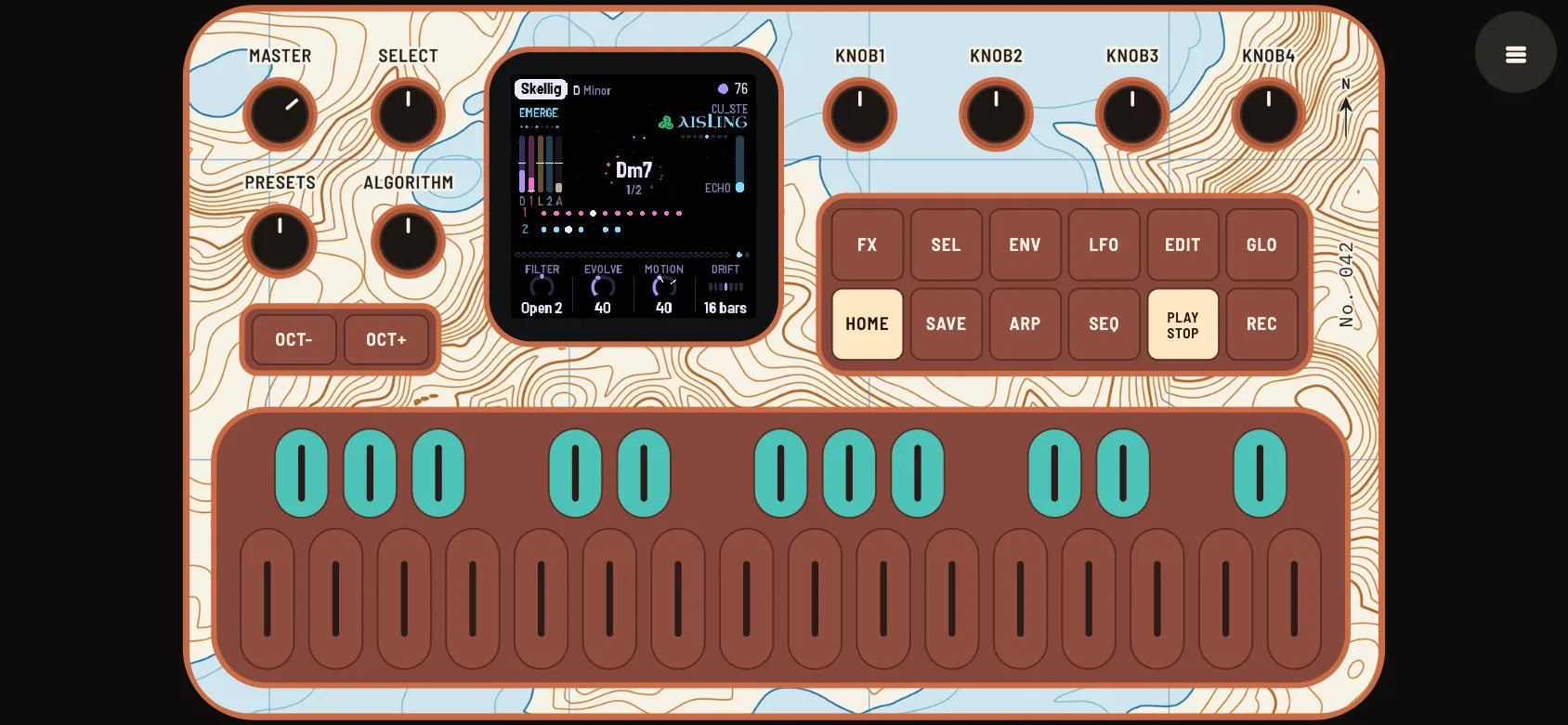
An icon on your home screen
- Open the app in Safari on your iPhone, with the button above.
- Tap Share, the square with an arrow pointing up. On a newer iPhone it may be under the three dots.
- Choose Add to Home Screen, then Add. You may need to scroll down the list to find it.
- Open AISLING from its icon. It fills the screen. Tap the FM-1 once to start the sound.
It sounds even with the phone's silent switch on. For a skin, tap the menu button in the corner and choose one under Decal. Once it has been opened from its icon, it works with no connection.
three firmwares and a screenWhich have you got?
FM-1
v1.6 · released
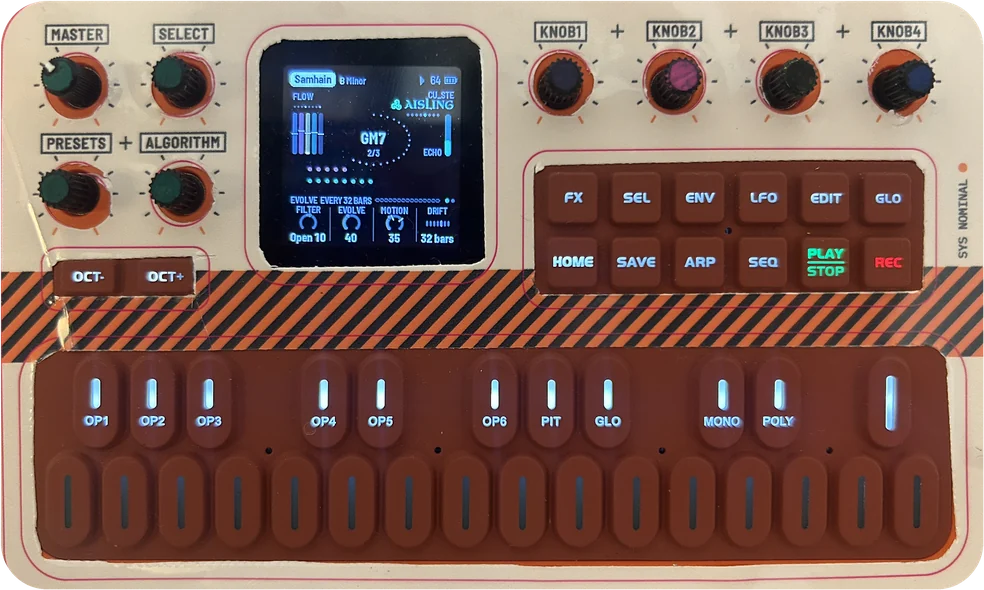
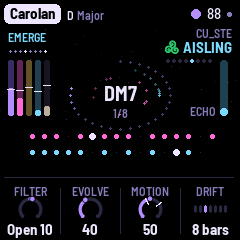
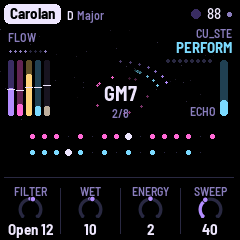
The instrument: eight pieces that play themselves for hours, the flute on the white keys, the effects on the black ones. Install it from Chrome or Edge, or try it here without an FM-1.
FX-1
v1.1 · released
An FM-1 as an effects box: a computer's sound in over USB, through AISLING's filter, echo and reverb and its effects, out of the FM-1's socket and back to the computer.
SMK-37
v1.4.1 · released · Elite only
The same AISLING on M-VAVE's 37-key keyboard: the FM-1's 27 keys in the middle, its pads playing the effects, its faders the mix.
VOXBOX
test 22 · a kit you put together
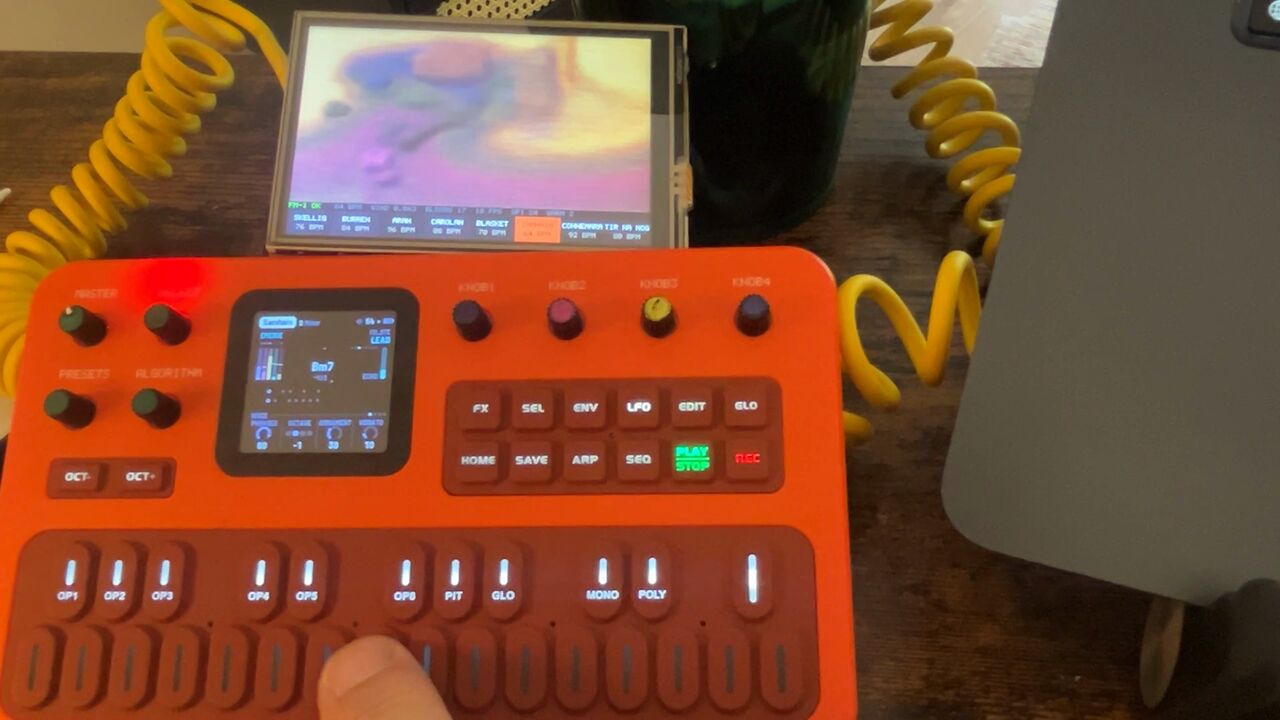
A touch screen beside the FM-1: the landscape it paints, its own screen bigger, its knobs and effects under your finger, and firmware put on from a card.
None of them?
Try it in your browser
The same code the FM-1 runs, with sound. No FM-1 needed.

Love my firmware? Support its development by tipping me on Ko-fi. :)
AISLING is by CÚ_STE (www.stephen8n.com), a fork of NACHTFAHRT by FartyPants, by way of DUB-1 and AMB-1; GPL-3.0. Each part's page has the rest. M-VAVE, FM-1 and SMK-37 are trademarks of their owners; AISLING is not affiliated with M-VAVE. stats